What Can aidnn Do for You?
Understand Your Data
Ask questions about your data in plain English and get instant insights. aidnn analyzes your data, identifies patterns, and explains what it finds in clear, simple terms.Connect Multiple Data Sources
Bring together data from spreadsheets, databases, accounting systems and cloud storage. aidnn works with:- Files you upload (CSV, Excel, JSON)
- Google Drive documents
- Business systems (QuickBooks, NetSuite)
- Databases (BigQuery, PostgreSQL, Snowflake)
- And more
Create Reports and Visualizations
Get automatic charts, graphs and summaries that help you understand your data at a glance. Share insights with your team without rebuilding the analysis from scratch.Clean and prepare data
aidnn can help fix data-quality issues, combine datasets, remove duplicates and prepare your data for analysis all through conversation.Stay in control
aidnn creates a plan before making any changes and asks for your approval. You review what it’s about to do, then give it the green light to proceed. Every step is auditable in the notebook so you can revisit, validate or share later.How It Works
- Connect Your Data: Upload files or connect to your data sources
- Ask Questions: Chat with aidnn in plain English about what you want to know
- Review the Plan: aidnn shows you what it will do before taking action
- Get Results: Approve the plan and aidnn does the analysis for you
- Explore Further: Ask follow-up questions to dig deeper, all inside the same notebook
Who Is aidnn For?
aidnn is designed for business professionals who work with data but don’t necessarily have technical backgrounds:- Business Analysts who need quick insights from data
- Finance Teams preparing reports and reconciling accounts
- Operations Managers tracking performance metrics
- Marketing Teams analyzing campaign results
- Anyone who wants to understand their data without learning complex tools
Account Setup & Login
aidnn provides enterprise onboarding for organizations that require managed access.Enterprise User Sign-up
Admin User Account Set Up
If you are the first user for your company’s enterprise account, then you would be assisted by our account team members in this set up.- You need to visit isotopes.ai/signup page and fill up the form.
- Once you have submitted the form you will see the following screen which puts you on the approval list.
- Your signup will be reviewed and approved by aidnn’s accounts team usually within minutes, but it may take up to 24 hours.
- Once approved, you’ll receive an email with a link to access aidnn.
- Click the link to go directly to the aidnn homepage.
Non-Admin User Account Set Up via Manage Team Feature
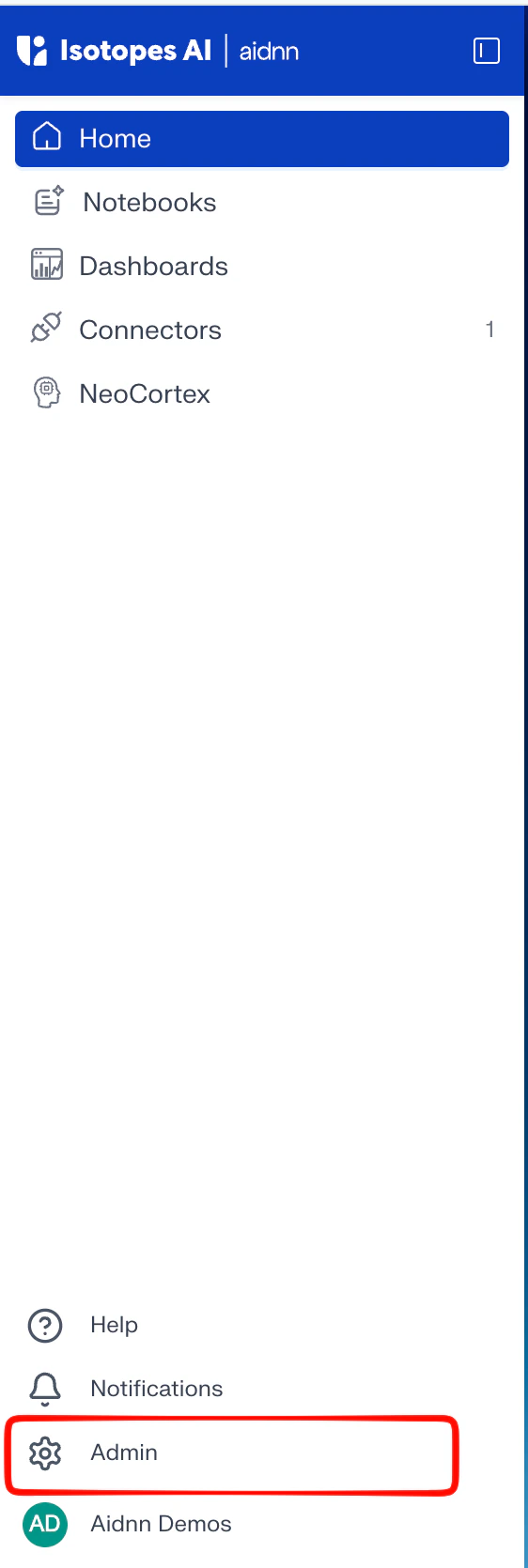
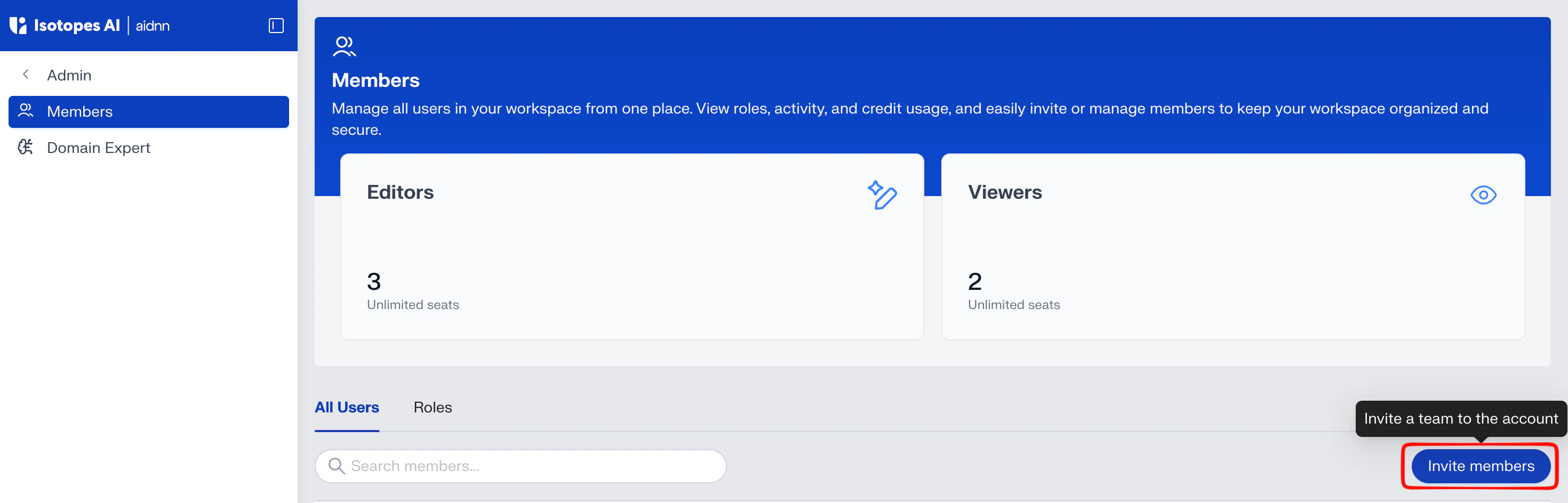
If you’re a non-admin user, contact your admin or the aidnn support team to have your account added to your company’s workspace. They can add your company email on the Admin page. If you’re an admin, click your profile in the bottom-left corner to access the “Admin” page shown below.