Connectors
Connectors let aidnn pull data from the finance, accounting, and database systems where your data already lives so analyses run against live data instead of one-off file uploads. This page lists the connectors that are generally available, walks through the common flow for connecting any system and points to the per-connector setup guides for the steps specific to each one.Available connectors
Connectors are grouped by category on the Connectors page in aidnn. The list below is the current general-availability (GA) set, new connectors land on this page regularly.Databases
- Snowflake
- BigQuery
- Redshift
- Postgres
- QuickBooks
File Formats
- CSV
- Excel
- JSON
- JSONL
- Word
File and storage systems
- Google Drive
- Notion
- Ironclad
Connect a system to aidnn
Every connector follows the same three high-level steps. The specifics what credentials to enter, what permissions to grant, which network ACLs to update depend on the system and are covered in the per-connector guides further down.Step 1 : Open the Connectors page
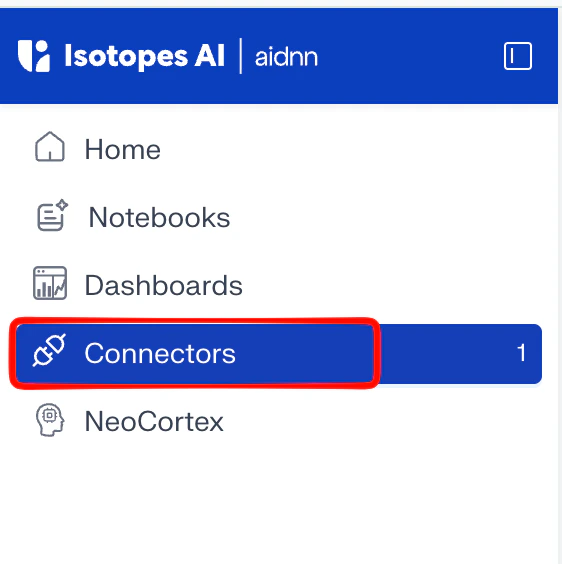
From the aidnn home screen, click Connectors in the left sidebar.